Activating Your Account
Before you can log in to the Myra DataHub, an admin must create an account for you in the Myra DataHub. Once your new account has been created, you will receive an invitation email.
Note
Please note that this email is sent from the address noc@myrasecurity.com.
Proceed as follows to enable the account:
- ► Open the invitation email.
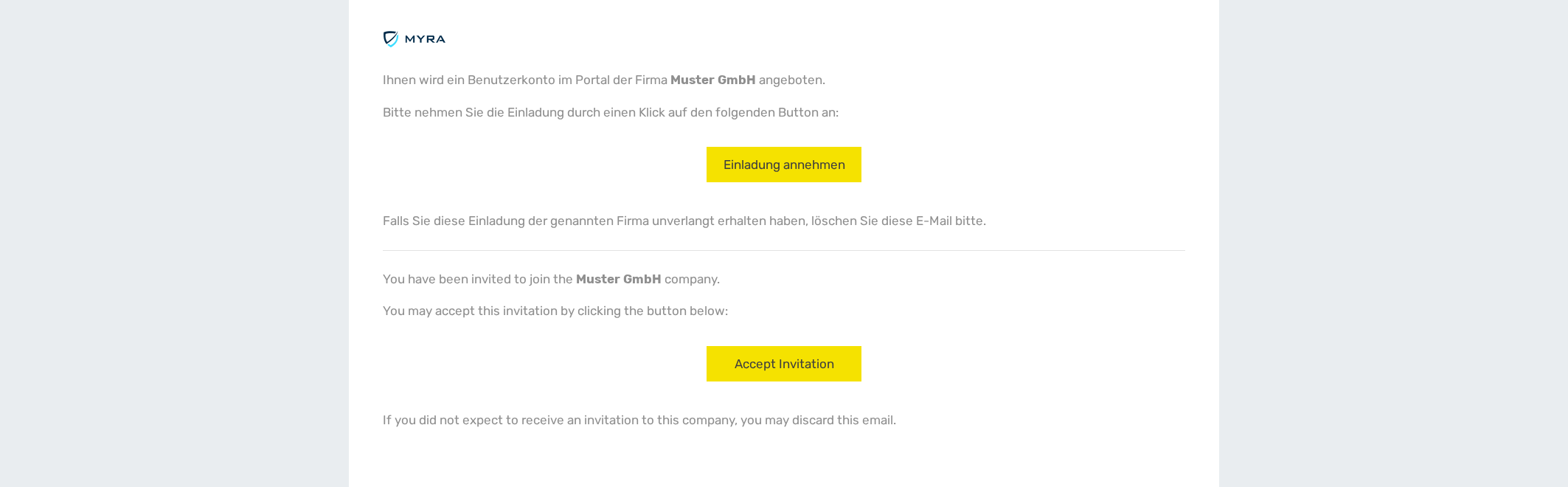
Invitation email
- ► Click on the Activate Account button in the invitation email.
- ↳ The website of the Myra DataHub opens.
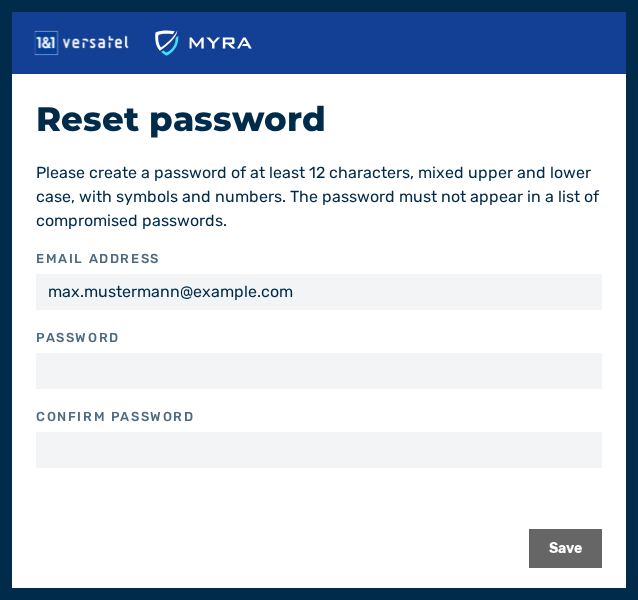
Dialog for changing the password
-
► Enter your new password.
Note
The password must be at least 12 characters long and contain at least one uppercase letter, one number, and one special character.
-
► Confirm your new password.
- ► Click on the Save button.
- ➔ Your new account is now activated.