Notifications tab
Note
The Notifications tab appears if you are a member of a company. Myra only sends alerts about traffic anomalies if the anomaly feature is enabled for your company.
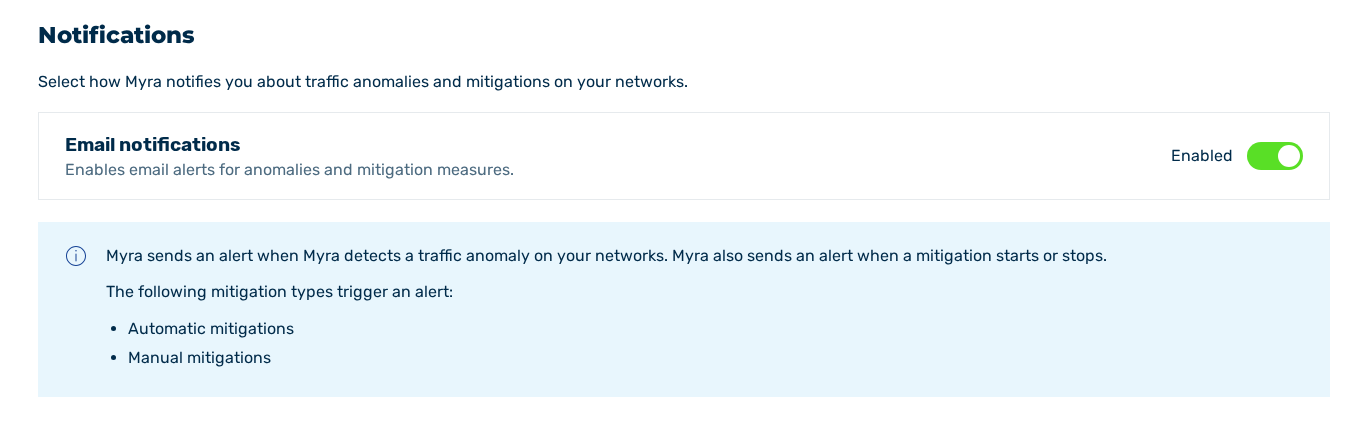
Notifications tab
In the Notifications tab, you select how Myra notifies you about traffic anomalies and mitigations on your networks.
Myra sends an alert when Myra detects a traffic anomaly on your networks. Myra also sends an alert when a mitigation starts or stops.
The following types of mitigation trigger a notification:
- ■ Automatic mitigations
- ■ Manual mitigations
- ■ Mitigations that the Myra support team starts
The following options are available:
| Element | Description |
|---|---|
| Email notifications | The switch enables email alerts for anomalies and mitigation measures. The following values are available:
|
Proceed as follows to enable the email notifications:
- ► Enable the switch under Email notifications.
- ➔ The setting is saved immediately and the Notifications updated message appears.